


Introduction
In this article, we aim to outline the step-by-step process of registering with DeltaFX, from accessing the website and completing the sign-up form to activating your account via email verification. We will also address important points such as password requirements, the non-changeable email policy, and the need to complete identity verification and phone number confirmation.
How to Register at DeltaFX Broker
Visit the DeltaFX Website
Go to the official DeltaFX Broker website.
Click on “Register”
At the top-left of the page, click the Register button.Enter Your Details
Fill in your username, email, and password. Make sure your password:
Has at least 8 characters
Includes uppercase and lowercase letters, numbers, and symbols
Important: You cannot change your email after registration, and each person can create only one account.
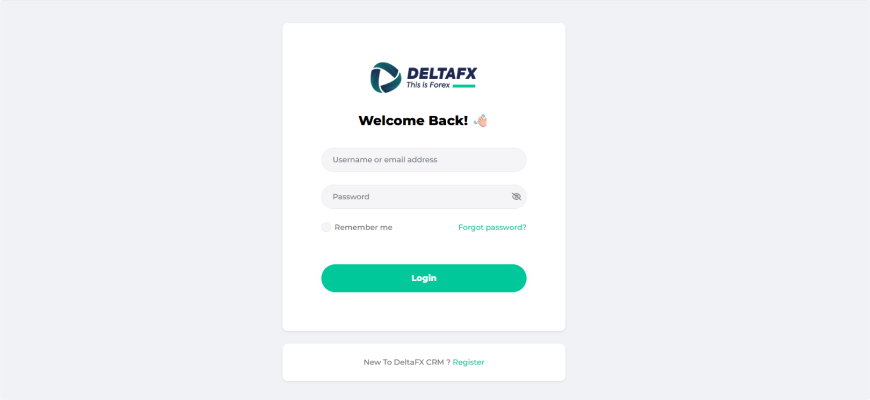
Complete Registration
After filling in your details, click Register. A verification email containing an activation link will be sent to your registered email. Open your inbox and click the activation link to verify your email and activate your account.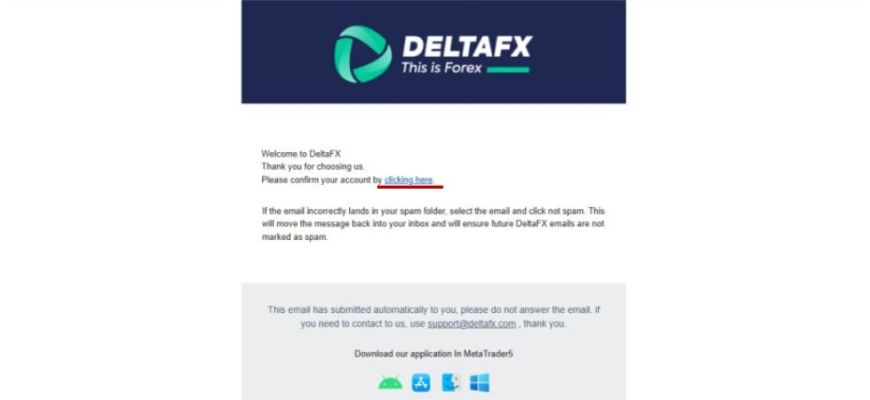
Log into Your Account
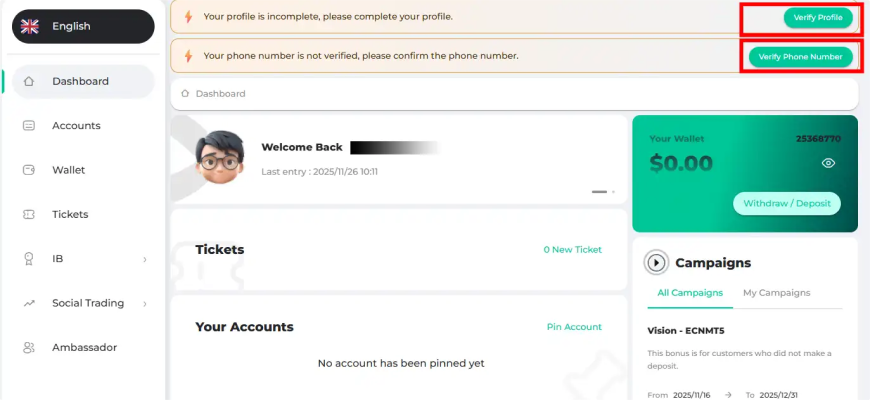
Return to the DeltaFX website, enter your username and password, and click Login. Then select Back to CRM.Enter Your Full Name
Type your first and last name in English and click Complete. This completes your basic registration.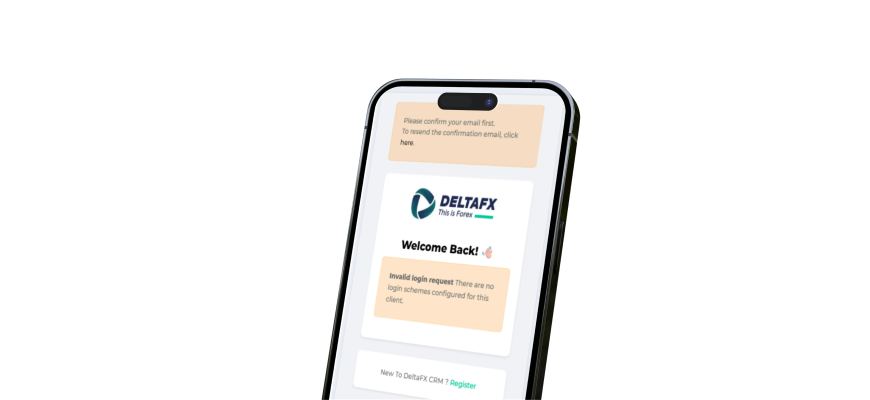
Other tutorials related to the DeltaFX user panel
Broker registration tutorial -> Broker authentication tutorial -> Activating two-step authentication -> Comprehensive tutorial on depositing to the broker -> Broker account opening tutorial -> Broker withdrawal tutorial -> Broker support tutorial
Video tutorial on registering with DeltaFX broker
Note: To access all features in the CRM, you must first complete KYC verification and phone number verification.